Industries · Cleaning services
Proof the site got cleaned. Every visit.
Check cleaners are at the site and working from a task list. Get before and after photos and a sign-off, without driving there.
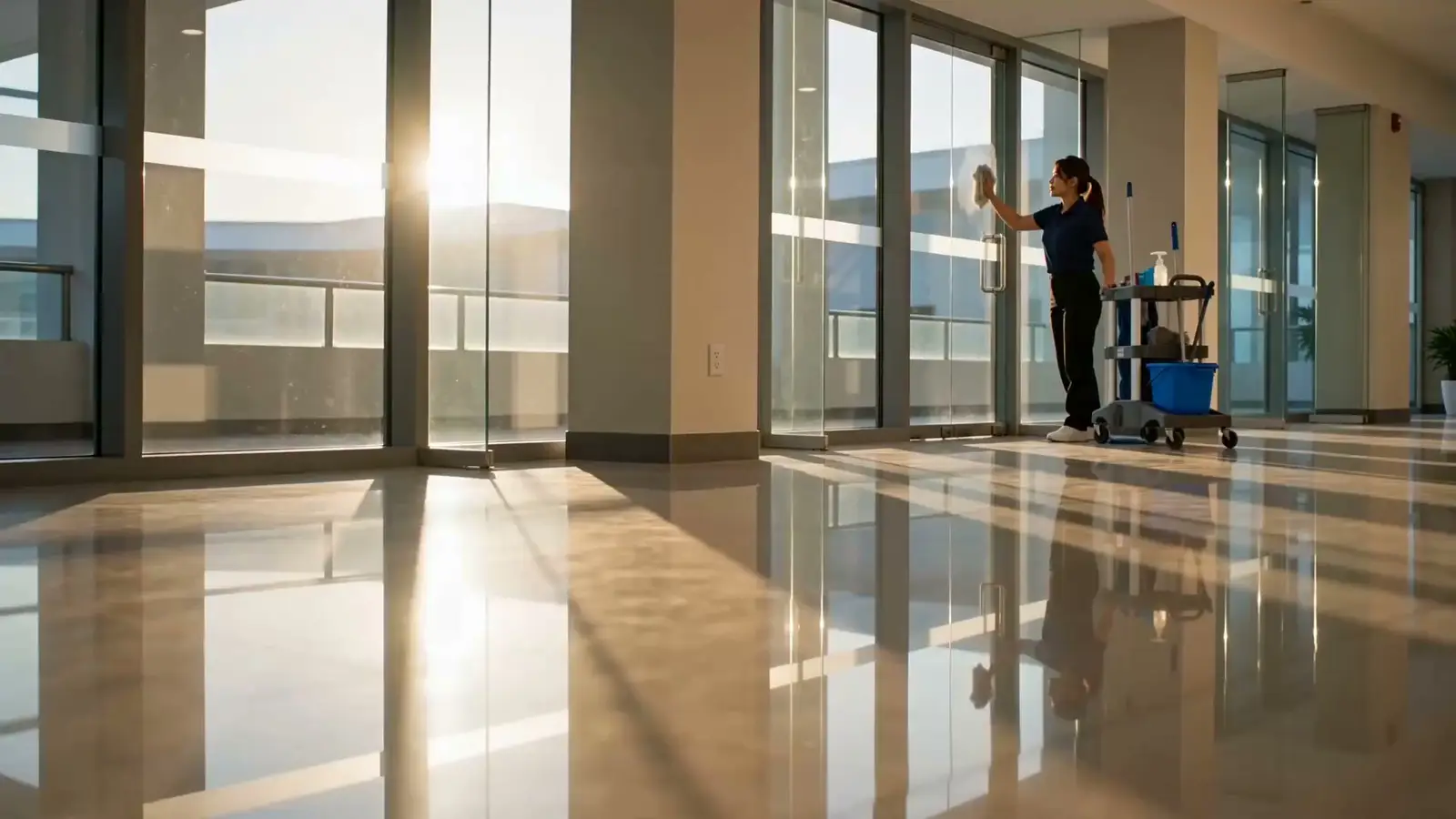
A day at work
One shift, start to finish.
On site
Proof they were on site.
- Clock-in only inside the site's area
- Early starts and weekend shifts
- No-shows flagged on your dashboard
Site task list
The task list is the work record.
- Restrooms, floors, bins: pass, flag, or fail
- Staff can't clock out until required tasks are done
- Add a task during the shift
Photo proof
Before. After. Signed.
- Before and after photos, sorted by category
- The client can sign off in the app
- A printable report for every visit, with photos and signatures
Payroll
Payroll without the spreadsheet work.
- Every visit's hours in one timesheet
- No pay for no-shows, automatically
- Export to CSV
Tasks · in the app
Every task done and recorded on site.
Your cleaner follows the task list in the app. Photos are added on site, checks pass or get flagged, and the client can sign on the phone before clock-out.
- Before and after photos go straight into the visit record
- Staff can't clock out until required tasks are done
- The client can sign on the phone
Your starting setup
Ready on day one. You can change it.
This is the setup your account starts with for cleaning services. You can change any label later.
Only the parts you need
Cleaning teams don't record customer visits, so the customer log starts turned off. The task list is the work record.
Need it later? Turn it on in Settings.
Task list
Cleaner
- Site photo — on arrival
- Restrooms cleaned & stocked
- Client / site contact sign-off
Photo proof
- Before cleaning
- After cleaning
- Issue found
Clock-in at Site
Stop driving to sites to check.
Set up sites and teams this afternoon.
Pay per plan, not per person · 14-day free trial